
Brawl Stars Lag Fix: Stop the Rubber-Banding

· 4 min read
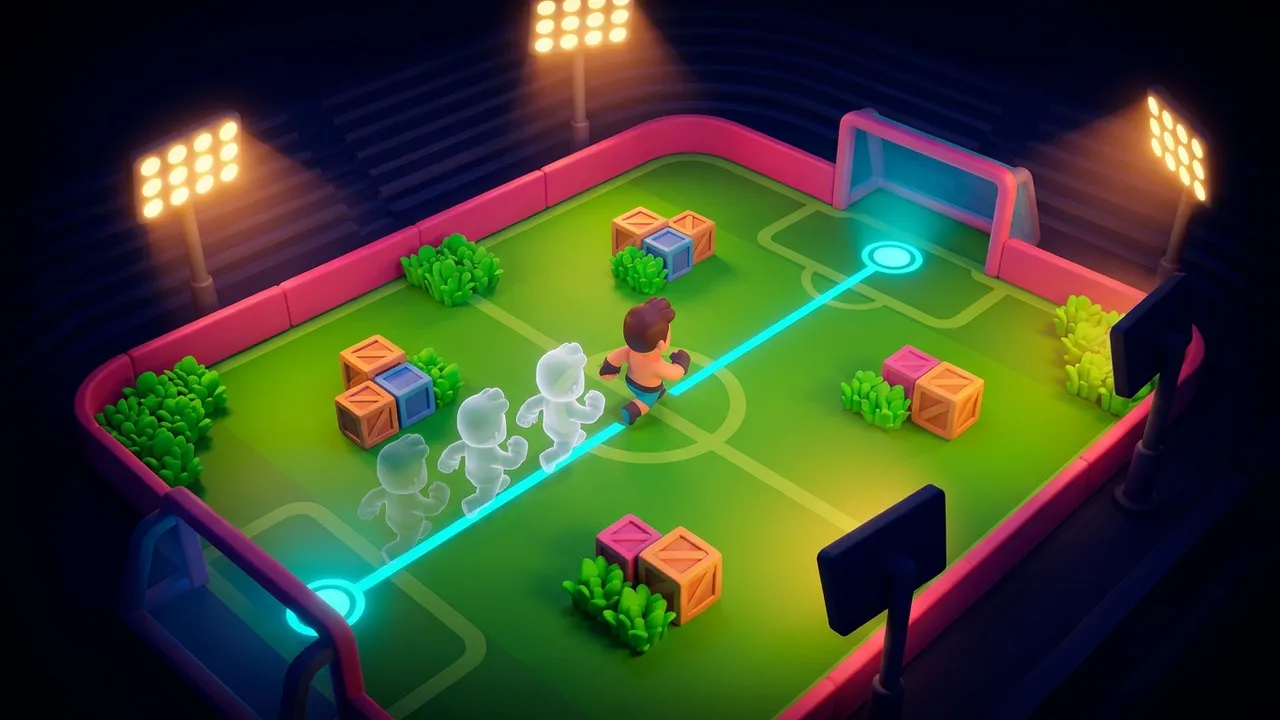
To fix Brawl Stars lag, start by naming it. Almost every case is network lag, not frame lag, because Brawl Stars is light enough to hold 60 FPS on phones that choke on everything else. So when your Shelly snaps back to a corner you already rounded, blame the route your packets take to the match, not the chip drawing the frames.
Here’s the tell. Brawl Stars doesn’t flash a ping number at you the way PUBG does. It shows a small connection icon near the top, and when your route goes bad it flips to a red warning or drops you into the reconnecting spinner mid-Showdown.
You feel it before you see the icon, though. Your Super fires a half-second late and the Brawl Ball rolls wide of an open net. You back behind a wall and die anyway, because the server still had you standing in the lane. That’s a routing problem wearing your name.
Frame lag behaves differently. It stutters even while you stand still in the menu, usually on a phone that’s hot to the touch after a long grind. If the game only jerks during fights, in a Showdown circle or a tight Brawl Ball scramble, that’s the network talking.
You can’t pick your server in Brawl Stars. Supercell decides where the match lives, and you take whatever path your carrier hands you. That’s the exact part a router can change.
The fastest fix for the stutter
There’s one lever that drops ping without buying anything: the road itself. That’s the whole job of LagX. While you play, it runs the phone-to-server paths against each other and pins Brawl Stars to whichever one is fastest and least jittery right then.
Because the tunnel is scoped to a single game, nothing else tags along. Your group chat, your music, your downloads keep riding the ordinary connection, so battery and data barely register the change.
Getting there takes three taps. Open LagX, choose Brawl Stars, press Optimize.
Testing the routing directly: the default route swung between 120 and 217 ms, the optimized path held 28 to 32. Brawl Stars runs down the same wire, so the gap carries straight over.
If your stutter is packet loss in a Brawl Stars costume, this is the step that quiets it. The Brawl Stars booster page carries the support notes and the live server list. The same wonky road is what drives free fire high ping, so bouncing between the two titles still leaves you one thing to fix.
One caveat before you install anything. If your connection icon already sits steady and green, routing won’t do much, and your phone or your Wi-Fi is the better place to look.
Fixes you can do right now
Brawl Stars matches push tiny amounts of data, which turns the usual advice on its head. A congested 2.4 GHz Wi-Fi with ten smart bulbs hanging off it often loses to plain 4G. Flip mobile data on for one match and watch the connection icon. If it steadies, your home network was the culprit, not the game.
If you stay on Wi-Fi, use the 5 GHz band and sit near the router. One wall between you and the box adds jitter that reads exactly like server lag. Line of sight beats signal bars.
Shut your background apps before you press play. A streaming tab or a fat download sitting in the tray steals bandwidth and sprays the kind of jitter no route can iron out. Kill them, then open the game.
While you’re in the Wi-Fi settings, swap your DNS. A pokey resolver reads as a slow connect and laggy matchmaking, never as in-match stutter. Point it at a public resolver such as Cloudflare’s 1.1.1.1 and the connect step tightens up.
Watch the phone’s temperature on long sessions. Grind Showdown for an hour and a hot chassis throttles the chip to cool itself, which can shed frames even in a game this light. Take the case off, and a desk fan isn’t a joke when you’re pushing trophies.
Let the game finish its updates too. Brawl Stars pulls new brawler and skin assets after a season drop, and a half-done download hitches mid-match while it streams them in. Finish it on Wi-Fi before you queue anything that matters.
When it’s not you
Sometimes the lag isn’t yours to fix. If your whole match rubber-bands at once, Supercell’s server is having a rough day, and nothing on your end touches that. Back out and requeue.
A router also can’t rescue dead Wi-Fi. If the signal is shedding packets before they even clear the room, closing the distance to the router comes first. Sort the last meter, and only then think about the long haul.
And a three-generation-old phone caps where it caps, though with Brawl Stars that ceiling sits high. Most “my Brawl Stars keeps lagging” posts come down to the route, not the phone. Settle the ms question first with what counts as a good ping, because chasing settings when your real problem is a 180 ms path is how people lose a whole trophy push. If you also run Free Fire, the same split between network and frames sorts that one too.
Brawl Stars is a reflex game dressed up as a casual one. A 200 ms route quietly robs the reflex half. Fix the road and you get it back.


