
Roblox Lagging on Mobile: How to Fix It

· 5 min read
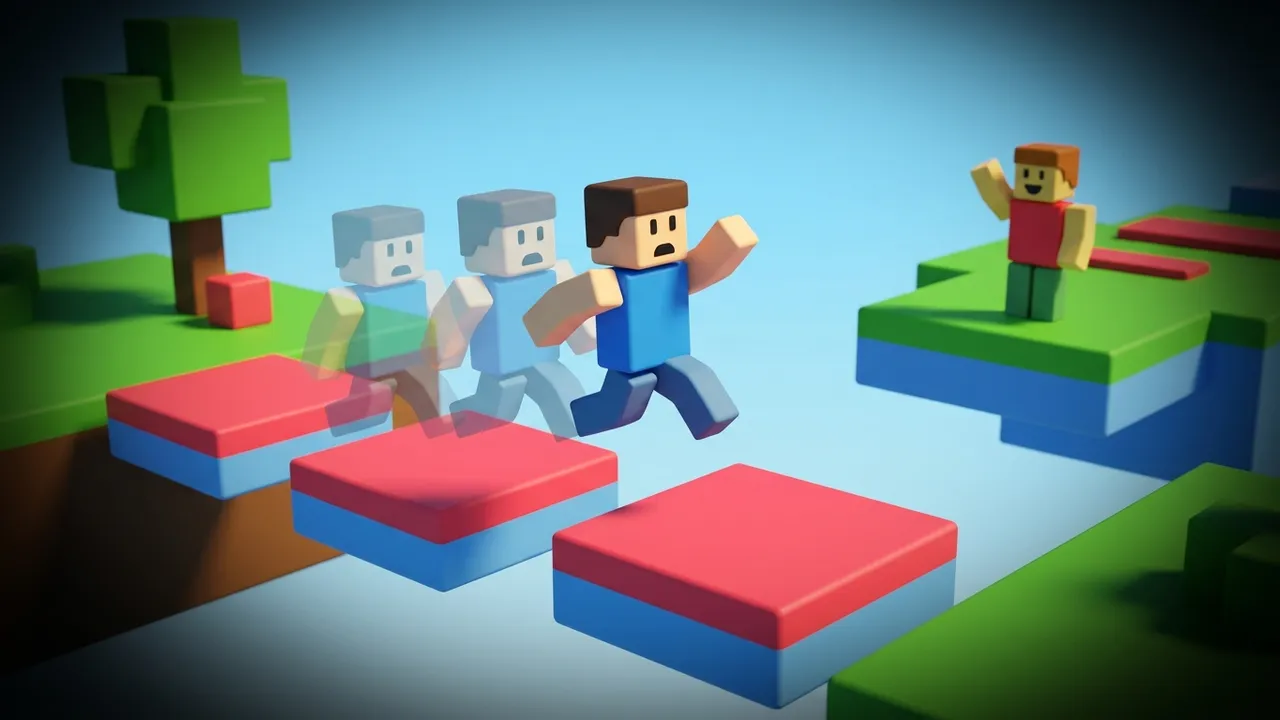
Roblox lagging on mobile usually traces back to one of two things: the specific experience you loaded, or your own phone and connection. Because anyone can build a Roblox experience, one runs at a smooth 60 FPS while the next chugs on the exact same phone. So the first move is working out whether it’s the game or you.
Here’s the quick test. Hop into a big, well-known experience, like an official one or a popular obby (an obstacle course). If that runs clean and only one game stutters, the problem is that creator’s optimization, not your device. If everything lags, the fix is on your end.
Fix your side first
Turn down Roblox graphics
Roblox has a graphics control most mobile players never open. Tap the Roblox logo in the top-left of an experience, open Settings, and switch Graphics Mode from Automatic to Manual. That reveals a Graphics Quality slider.
Drop it a few levels. Lower quality means the phone renders less detail, which steadies the frame rate in busy scenes. On a phone that’s a few years old, Manual mode alone can be the difference between a slideshow and a playable session.
The trade is small on a phone. Lower levels soften lighting and draw distance, things you rarely notice on a small screen, and the frame rate climbs in return.
Use the experience’s own settings
Bigger Roblox games ship their own menus, built by the creator. Look for an in-game setting for render distance or a low-graphics toggle. Cutting render distance is the biggest single win in open-world experiences, because the phone stops drawing scenery you can’t even see yet.
Cool the phone and free memory
Roblox leans hard on the CPU, and phones throttle when they heat up. After a long session the frame rate sags because the chip is protecting itself. Take the case off, skip playing on charge, and close background apps to free RAM.
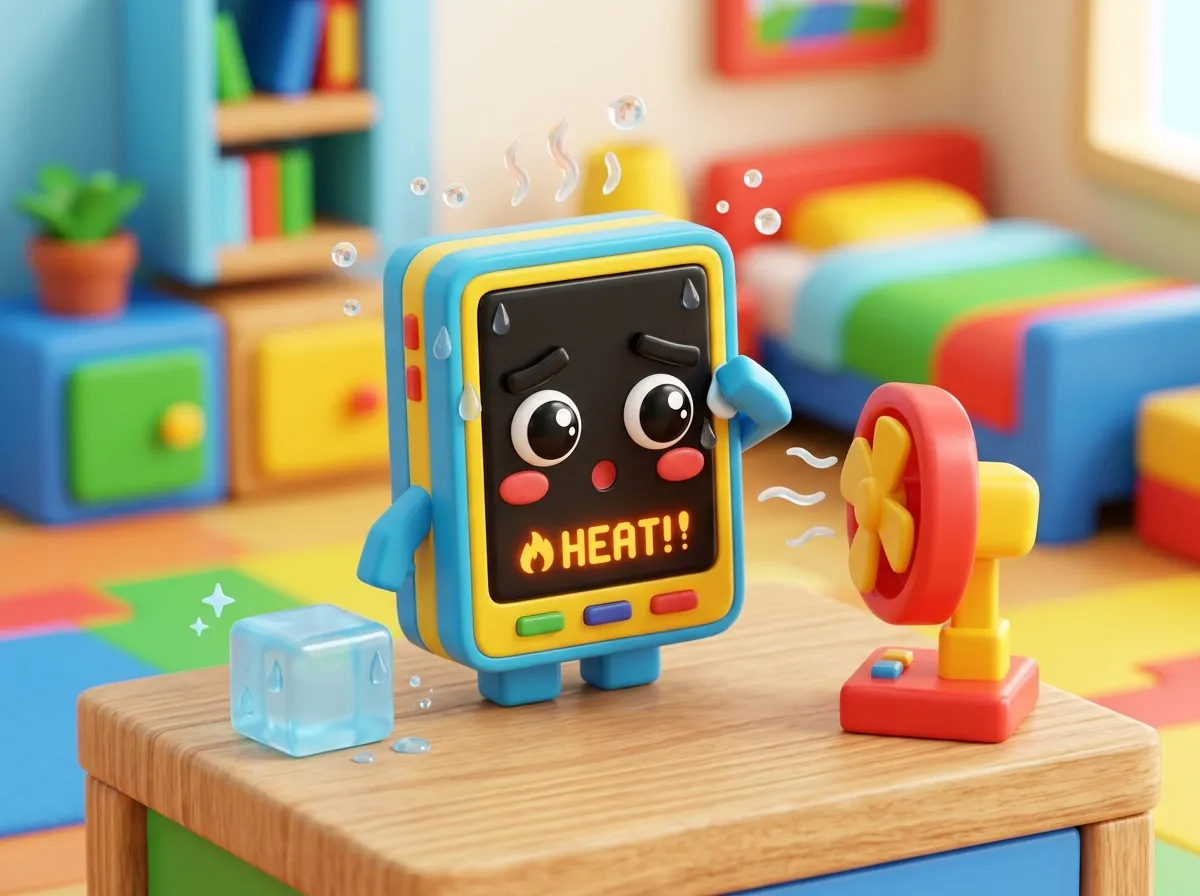
Update the Roblox app too. Performance patches land often, and an old build can stutter on a phone that handles the current one fine.
Drop voice and recording
If you’re in voice chat or screen-recording a session, both eat resources the game could use. Leave voice on a laggy experience and stop any recorder running in the background. On a mid-range phone that alone can steady a busy scene.
Restart before you blame the game
Two boring fixes clear more Roblox lag than people expect. Force-close the app and reopen it, which dumps whatever memory a long session piled up. And keep a few gigabytes of storage free, since a full phone runs slower everywhere, Roblox included.
The network side
Physics-heavy experiences feel the network hard. In an obby or a PvP game, high ping shows up as rubber-banding, where your character snaps back to where it was a moment ago. That’s late packets, not a slow phone.
Roblox is chatty with the server. The game tracks physics and every player in the world constantly, so a shaky route shows up faster here than in a turn-based game. An obby that felt smooth at home can turn into a teleport fest on café Wi-Fi.
Roblox spins up a fresh server for each group of players, so two people in the “same” game can sit on machines in different regions. If your friends are overseas and you join their server, expect higher ping. Starting your own session can land you somewhere closer. There’s no clean in-app region picker beyond that, so the usual network hygiene applies.
- Switch to the 5 GHz Wi-Fi band. It’s less crowded than 2.4 GHz, so less interference.
- Sit closer to the router and pause downloads on the same network.
- On a weak home line, a strong mobile signal can actually run steadier.
Confirm it the honest way. Rejoin the same experience after each change and watch for that rubber-band snap. If your character stops teleporting, the fix stuck.
When the lag is the route rather than the render, this is the part that helps, and it only touches Roblox. Everything else on your phone, your browser and any video playing in the background, keeps riding your normal connection. Only Roblox gets moved onto a faster path to its server, one the app keeps rechecking while you play. In a routing test kept separate from the match itself, a fight ran at 120-217 ms on the default path and 28-32 ms through a better route, and Roblox’s real-time traffic rides the same kind of road.
That’s the whole idea behind the LagX Roblox booster. Smooth out Roblox lag and watch whether the rubber-banding stops. If it does, the route was your culprit all along.
Here’s a myth worth killing: a fast speed test does not mean low lag. You can pull 200 Mbps and still rubber-band through an obby, because throughput and latency are different animals. I dug into why a great connection still lags in lag with good internet.
What you can’t fix from your phone
Some Roblox lag is out of your hands. A poorly optimized experience will stutter no matter how low you set your graphics, because the bottleneck is the creator’s code running on Roblox’s servers. An old phone with little RAM has a hard ceiling too.
Smart routing shortens the path to the server, but it can’t add frames to a device that’s out of headroom, and it can’t rewrite someone else’s laggy game.
A very old phone is its own wall. Roblox keeps adding features, and a handset from six or seven years back eventually can’t keep up no matter what you switch off. No setting buys you a new chip.
The same split, device versus network, shows up in every mobile game. If you also play shooters, I broke it down for Free Fire in how to fix lag in Free Fire.
For Roblox specifically, try a different experience before you blame your setup. Half the time, the lag left with the last game you closed.
