
Roblox Lag Fix on iOS: iPhone & iPad

· 4 min read
On this page
If Roblox is lagging on your iPhone or iPad, the right fix depends entirely on which kind of lag you have. Roblox lag on iOS comes in two flavors, they feel different, and the fix for one does nothing for the other.
Here’s the fast way to tell. Choppy and stuttering while you’re just standing in the lobby, before anything’s happened? Your device is straining to draw the world.
Smooth right up until you move, then a hard snap backward or a “Reconnecting” banner mid-obby? Now it’s the opposite problem, your data arriving late. Most iOS players on solid Wi-Fi have that second kind, and no graphics slider will touch it.
So sort that out first. Watch the menu for five seconds before you blame your Wi-Fi, your iPad, or Roblox itself. The tell is obvious once you know to look for it.
Straighten the route and the ping drops
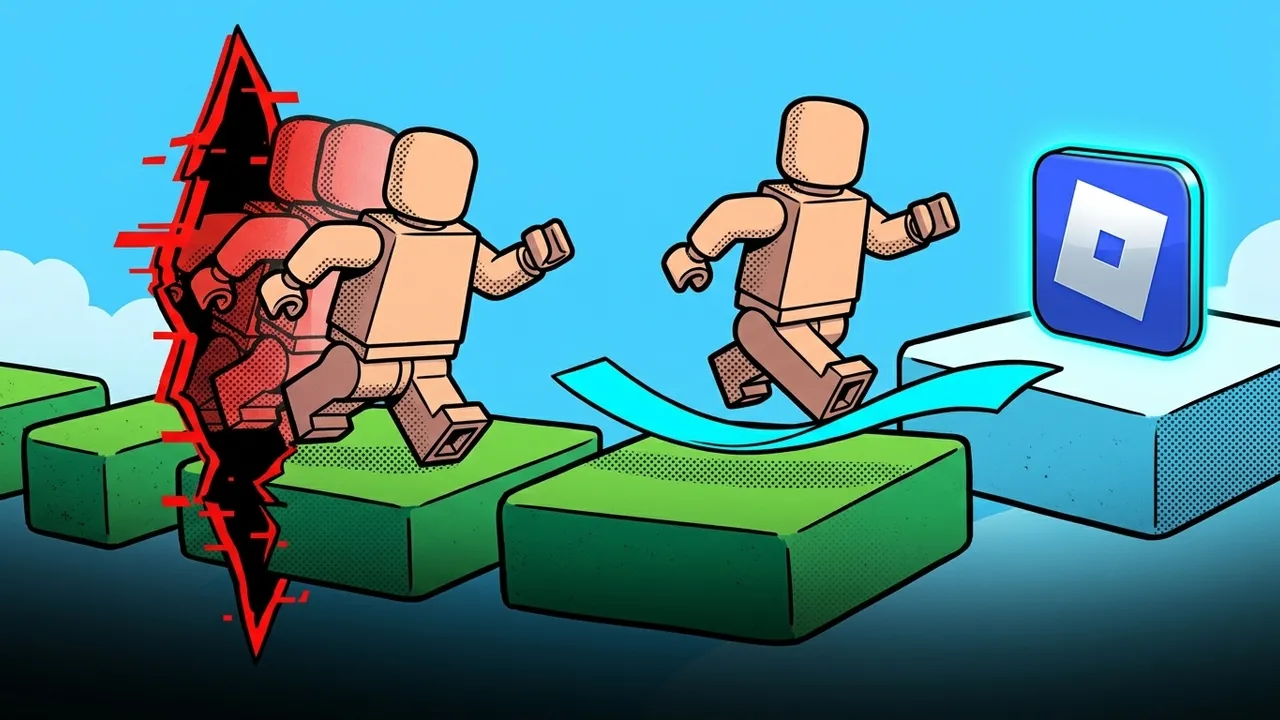
There’s exactly one clean answer to route lag: an app that reroutes your connection and leaves Roblox completely alone. It sits at the network level, outside the game, so nothing gets jailbroken and Roblox has nothing to react to.
Setup’s quick. Install the Roblox booster from the App Store, choose Roblox in the list, and press Optimize. From there it samples the paths reaching that server and holds your game on whichever one’s quickest.
Only Roblox gets moved, too. Your browser, your chats and any background download stay on the normal connection, so the hit to battery and data stays tiny.
Measured as routing, apart from the match itself, the default path wandered between 120-217 ms. Moved onto a better one, it settled at 28-32 ms, with nothing else about the match changed.
The frame-rate side tells the same story. A session hitching around 25-45 FPS held a steady 60 once the route stopped starving it. Roblox answers a clean path the same way, because rubber-banding’s really a distance problem in a Roblox costume.
Now the honest part. Rerouting shortens the path, and that’s the whole of it. It can’t rescue Wi-Fi that keeps cutting out at the far end of the house, and it won’t bring down the heat on an iPad that’s been cooking on a windowsill. Both of those are device jobs, and they come next.
Fixes for a straining iPhone or iPad
If the stutter shows up in the menu, your device is the bottleneck. Work down this list.
Drop Roblox’s own graphics. Open the menu from the top-left inside any experience, tap the settings gear, switch Graphics Mode to Manual, and slide the quality down a few notches. On Auto, Roblox guesses, and it usually guesses too high for an older iPad. Fewer things to draw means a steadier frame rate, and the difference on an iPad Air from a few years back is night and day.
Turn off Low Power Mode. Settings, then Battery, and toggle it off before you play. It saves battery by throttling the chip, which is the exact opposite of what you want mid-match. Great for a long flight, terrible for Roblox.
Let the device cool down. Take it off the charger, pull it out of a thick case, and give it a minute if it’s hot to the touch. iPhones and iPads throttle themselves hard when they overheat, and a downclocked chip drops frames that no setting can win back.
Clear some room. On an older iPad with little memory to spare, the apps you opened earlier can crowd Roblox and cause reload hitches. Fully close the heavy ones, and while you’re in there, update both iOS and the Roblox app. If it still chugs, delete Roblox and reinstall it to wipe a cache that’s quietly bloated over months.
Fixes for a slow connection
If it runs clean until the action starts, chase the route instead.
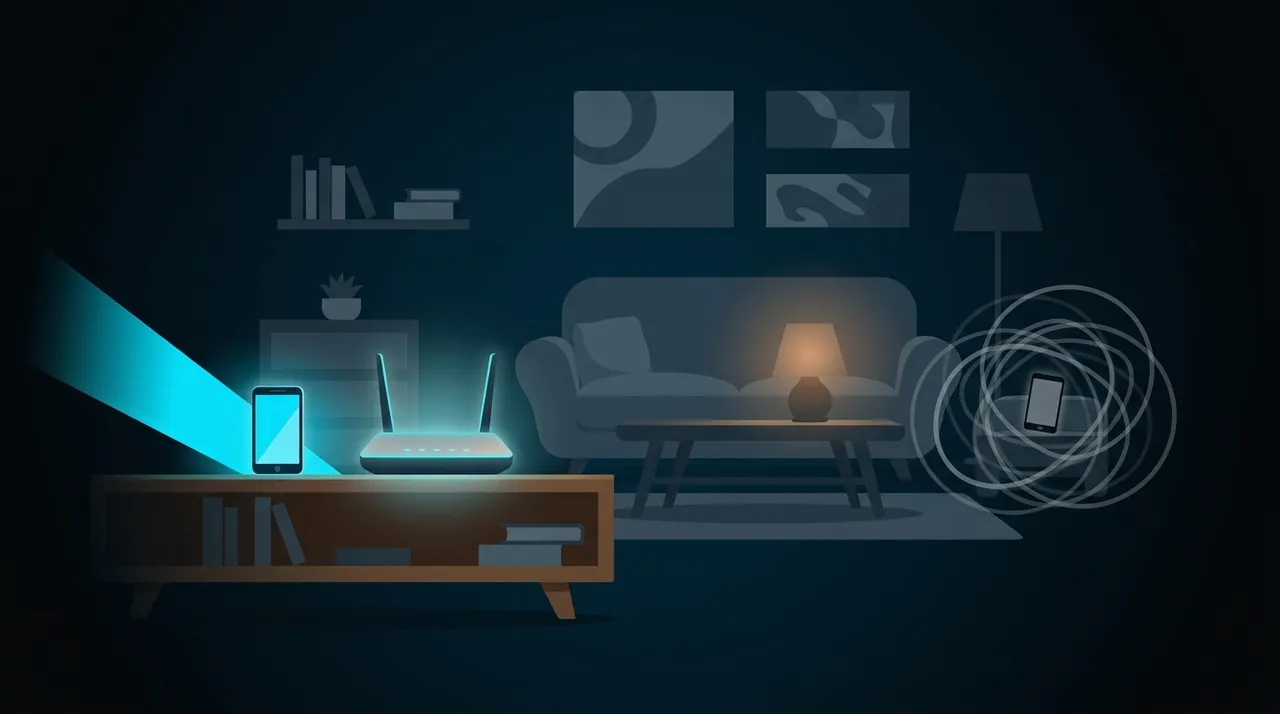
Get on 5 GHz. If your router splits its bands, join the 5 GHz network and move closer to it. It’s faster and far less crowded than the old 2.4 GHz band your whole building is parked on.
Restart the router. Boring, and it works more often than it should. A modem that’s been up for three weeks builds a mess of stale connections. Pull the power for thirty seconds and let it come back fresh.
Rule out Private Relay. If you use iCloud Private Relay, it sends some of your traffic through an extra Apple hop. It mostly affects Safari rather than games, but if you’re chasing every millisecond, toggle it off under Settings, your name, iCloud, just to take it out of the equation.
When none of it helps
Sometimes the lag isn’t on your end at all. A brand-new experience getting hammered on launch day will stutter for everyone, and your iPhone can’t do a thing about a server having a rough afternoon. Same when your home Wi-Fi is losing data inside your own four walls. Sort the signal out first, then judge the route.
Run the two-second test whenever it creeps back. Menu stutter is a device job. An in-experience snap backward is a route job. Once you know which one you’re fighting, the fix takes about a minute.
Want the ping brackets that separate “fine” from “unplayable”? The good ping guide lays them out, and the mobile Roblox walkthrough covers the Android side.
