
Among Us Booster Pack: What Actually Stops Lag

· 6 min read
On this page
Among Us booster pack is a search that has no answer inside the game itself. What InnerSloth sells is cosmetic. Hats, skins, pets, Cosmicubes. None of it moves your ping.
What people are really after is a booster app, and for this game the diagnosis is easier than most. Among Us asks very little of your phone.
There’s no 3D scene to build and no textures to stream. So when it falls apart, your handset is rarely the reason. It’s the connection, and Among Us happens to give you a cleaner way to prove that than any other game on your phone.
Your tasks never lag, and that’s the tell
Every task minigame runs on your device. Wires, the asteroid gun, the card swipe in Admin. Your phone draws all of it locally, so they stay smooth even while your connection is falling over.
The map is the synced half. Player positions, doors, sabotages, votes.
So run the test. Open a task and play it. If the wires snap into place perfectly while the crewmates outside are teleporting across the cafeteria in jumps, your phone is fine and the problem is somewhere between you and the server.
What a bad connection actually costs you
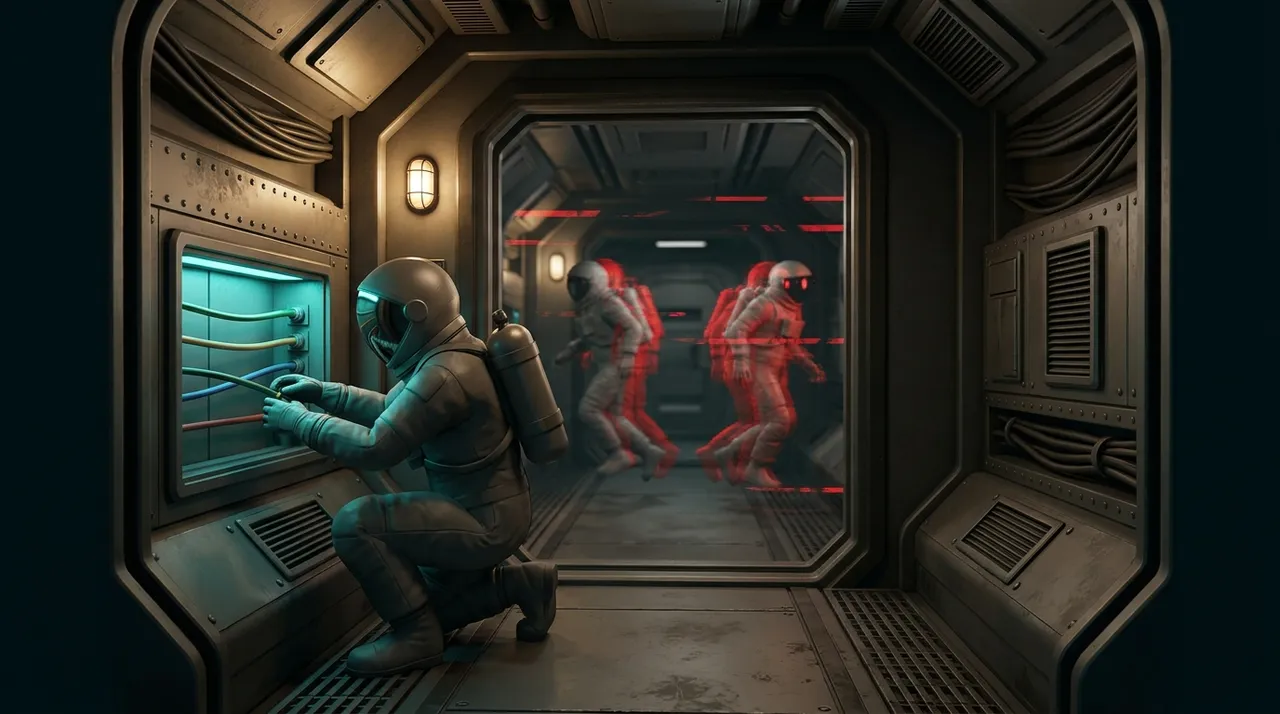
Late information is the crewmate’s version. You watch someone drop into a vent, walk over to the body, hit Report. By the time the meeting loads, the room you’re about to call out is three rooms stale, and the player you’re accusing has two people swearing he was in Medbay.
Impostor side is worse. You tap Kill the moment cooldown clears and the body lands where your target was standing a beat ago, out in the open corridor you were trying to avoid. Then an Engineer pops out of the vent beside it.
Then there’s the drop itself. Among Us doesn’t let anyone into a round that has already started, so a disconnect isn’t a thing you recover from. You’re out until the next game.
And the lobby doesn’t know your Wi-Fi hiccuped. They know somebody vanished right after a vote went badly.
Your region decides more than your ping
Region lives on the Online screen. North America, Europe, Asia. Most people set it once, forget it, then spend months wondering why their friends’ lobby codes never work.
That’s the part nobody explains. A code only exists inside the region it was made in, so a six-letter code from a friend in another region simply will not resolve for you. The game says it can’t find the game, everyone assumes a typo, and the group burns ten minutes retyping letters that were correct the whole time. If your regions already match and the code still fails, stop retyping and ask for a fresh one, because that same message covers a lobby that filled up or expired.
Ping is the second half of it. Region decides how far your taps physically travel, and distance is the one part of latency nobody talks their way out of. Playing from the wrong side of an ocean is a floor you can’t get under.
So set it to match the people you play with. If your group won’t move, at least you now know what you’re paying for.
Fixing the road to the server
Say your region is right and rounds still come apart. What’s left is the route your data takes once it leaves the building, and that’s handled entirely outside the game, so the app you installed is never modified and your account plays no part in it.
The Among Us! booster exists for that gap. You pick Among Us from the list and run Optimize once. After that it keeps timing the routes it can reach and parks the game’s traffic on whichever one is holding steadiest, which is the thing that decides whether you’re still in the lobby when the vote closes.
Nothing gets rooted or jailbroken, and the install is left alone at every stage. Split tunneling is scoped to the game you picked, so Among Us takes the better route while every other app on the phone carries on down the normal one.
A routing test settles it: left alone, the path ran anywhere between 120 and 217 ms. Optimized, it stayed inside a 28 to 32 ms band from the first minute to the last.
The number that matters to Among Us is the one that stopped moving. Nobody is aiming in this game, so what saves your round is a route that refuses to spike while the vote timer is counting down.
Worth stating plainly: this repairs the road and nothing else. It has no answer for a router two rooms away that keeps shedding packets, and none at all for InnerSloth having a rough afternoon on their end. When every other player freezes at the same instant, you can put your phone down.
The host can end the round for everybody
Among Us leans on the host to hold the lobby together. Settings, the start button, and a fair amount of what everyone else sees.
Which means the host’s connection is quietly your problem too. When they drop, the round usually goes down with them, and nothing you do on your end protects you from that.
The useful half of this is the half you control. If you’re the one on the shaky link, stop hosting. Hand it to whoever in the group isn’t playing off a phone hotspot in the back of a car.
Three things to change before your next lobby
Stop your phone switching networks on its own. iPhone files this under Wi-Fi Assist, Android under adaptive connectivity or smart network switching, depending on who built it. Both hand you over to mobile data the second reception dips. That handover takes a couple of seconds, and a couple of seconds during a meeting is the whole meeting.
Don’t join off a hotspot or a shared phone. Tethering adds a second radio hop to a game that is already sensitive to timing rather than volume. If you must tether, sit next to the phone doing the sharing.
Run the A/B, because rounds are short. Play three games on Wi-Fi and three on mobile data. Ten minutes a round, so one evening covers it. If the drops track you across both, the fault sits past your front door and no setting inside the house will move it.
When it really is the phone
It happens, just not often. The Airship and The Fungle with a full fifteen players are the heaviest thing this game ever asks of a device, and an aging handset can genuinely struggle there while The Skeld stays perfectly smooth.
There’s no quality slider to drop either, which is unusual. Among Us doesn’t ship graphics presets, so freeing up the phone is your only lever. Restart the app between long sessions, since the free build serves ads and a couple of hours of lobbies leaves it heavier than it launched. Keep an eye on heat too, because a throttling phone imitates network stutter well enough to fool anyone.
If the tasks drag exactly as badly as the map does, you’re on the device side of this and back at the top of that test. Every mobile game divides along the same seam. Fixing Free Fire lag opens on the identical question, and so does chasing down Free Fire high ping. If you’ve never worked out which bracket your own ping sits in, a good ping for gaming sorts that out.
Go open the Online screen and look at which region you’re actually on. Half the people reading this are on the wrong one.


